
Software
Small business owners juggle endless tasks—budgeting, inventory, invoicing—while trying to save time and money. These 10 free Excel templates simplify workflows, automate calculations, and eliminate the need to start from scratch, all without breaking the bank.
Simple Business Budget Tracker
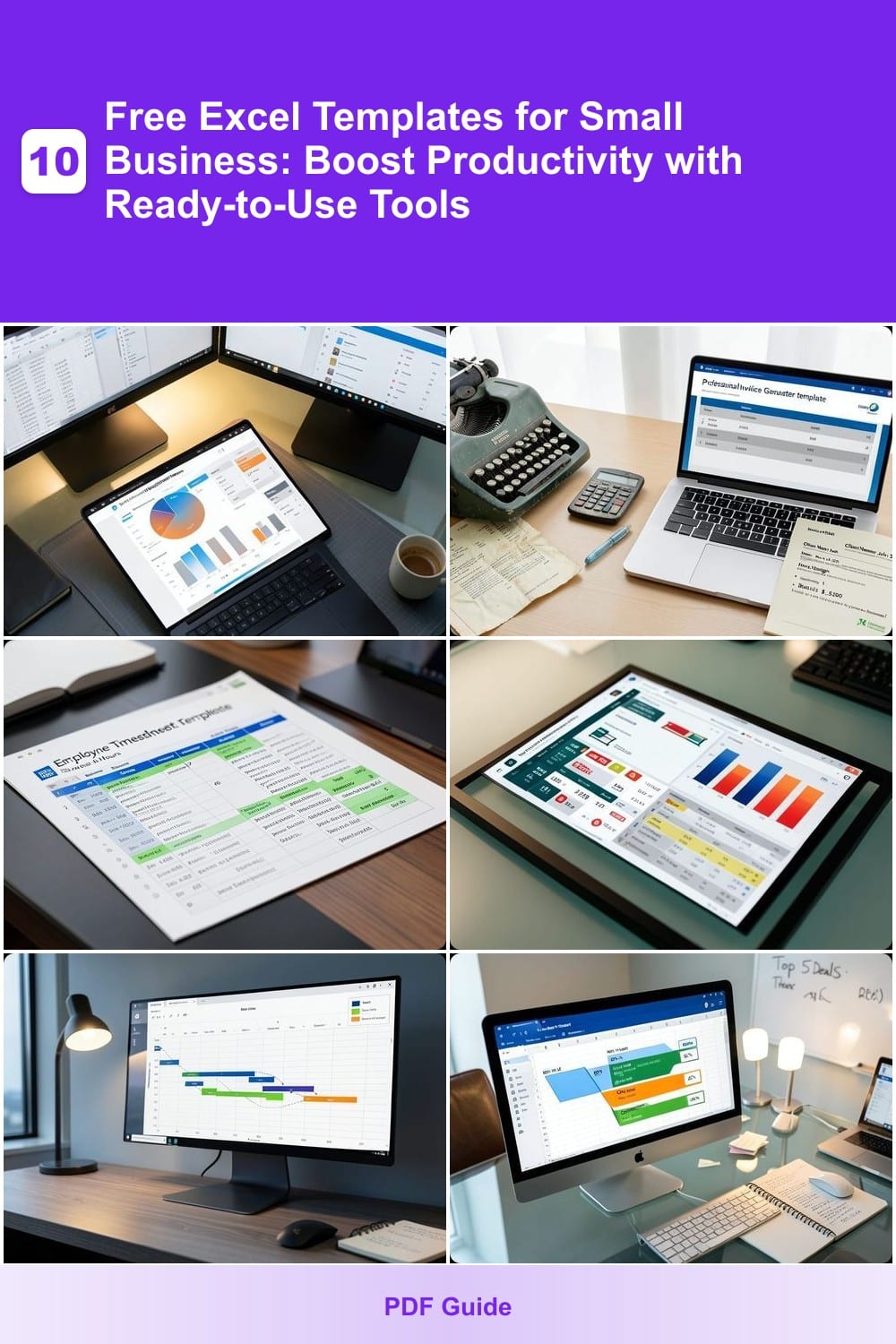
If tracking every dollar feels like solving a puzzle with missing pieces, this Simple Business Budget Tracker turns chaos into clarity. Designed for solopreneurs and startups, it eliminates the guesswork with customizable expense categories, real-time tracking, and auto-generated visual charts—so you can spot trends without crunching numbers manually.
The template includes pre-built formulas for income vs. expense comparisons, a monthly summary dashboard with color-coded spending, and adjustable thresholds to flag overspending. No advanced Excel skills needed—just plug in your numbers, and the template does the heavy lifting. Compatible with Excel 2010 and later, it’s ready to use across Windows, Mac, and even Google Sheets.
Perfect for freelancers, consultants, or early-stage businesses where every dollar matters. Whether you’re testing a new product line or tightening cash flow, this tracker keeps your finances visible and actionable—no spreadsheets required. ✨
Professional Invoice Generator
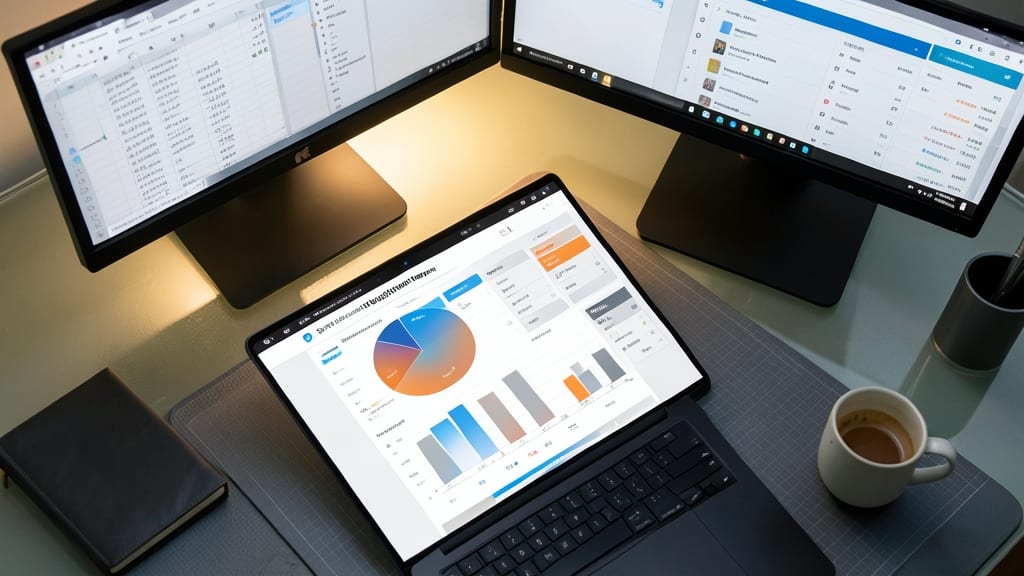
Tired of sending invoices that look like they were typed in 1998? This Professional Invoice Generator template turns your billing into a polished, client-ready document with just a few clicks. No design skills required—it handles the heavy lifting while you focus on growing your business.
The template includes automated tax calculations (including VAT, sales tax, or service-specific rates), customizable discount and late fee structures, and support for multiple currencies—ideal for international clients. Pre-built formulas ensure accuracy, while professional styling (like invoice numbers, payment terms, and branded headers) makes you look like a pro. Just plug in your details, hit print, and watch your cash flow improve.
Freelancers, consultants, and service-based businesses will love this—no more scrambling to format invoices last-minute or worrying about calculation errors. Download it, tweak the colors to match your brand, and send invoices that get paid faster. ✨
Employee Timesheet Calculator
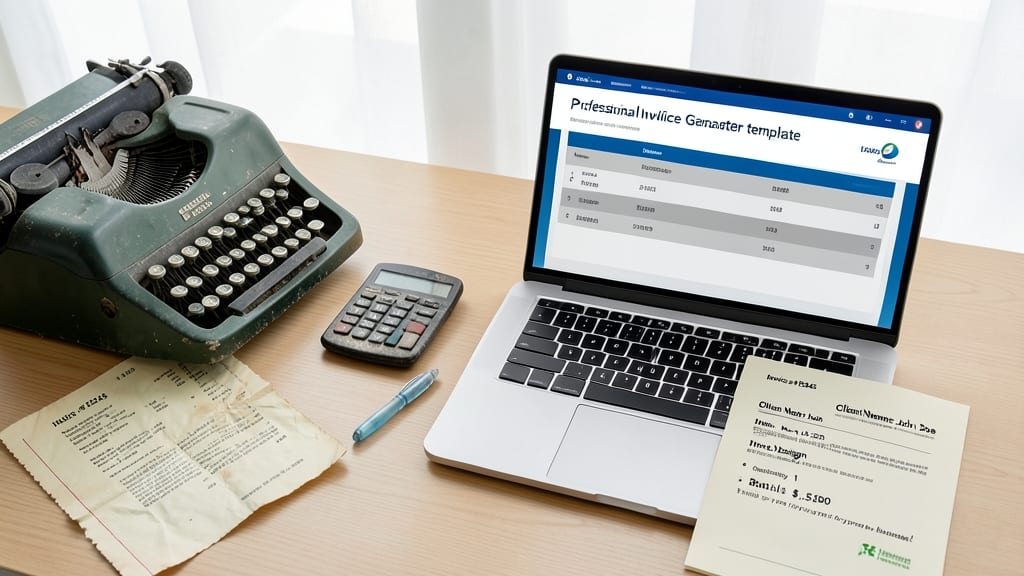
Payroll headaches? The Employee Timesheet Calculator template turns manual time tracking into a breeze for small teams. Designed specifically for businesses with hourly or salaried employees, it includes pre-built formulas for calculating regular hours, overtime, and leave balances—so you never miscount a shift again.
Beyond basic time tracking, this template auto-generates tax-ready reports (including W-2 summaries) and flags discrepancies like missed punches or overtime thresholds. The color-coded grid makes it easy to spot trends, and the included summary dashboard gives you a snapshot of labor costs per project or department. Compatible with Excel 2010 and later, it’s ready to use right out of the box.
Perfect for restaurants, retail stores, or freelance agencies managing multiple employees, this template cuts payroll prep time by 50%. Just plug in hours, and let the formulas handle the rest—no spreadsheets degree required. ⚡
Inventory Management Spreadsheet
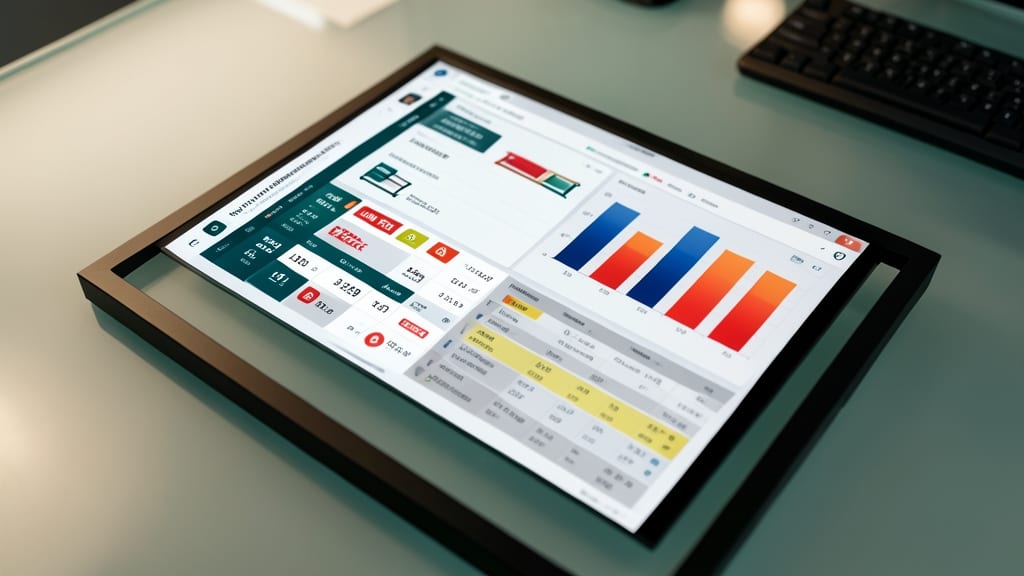
Running out of stock at the worst moment—or overstocking and wasting cash—is a nightmare for retail and e-commerce businesses. This inventory management spreadsheet solves both problems with a dynamic tracking system that updates stock levels in real time, flags items below your reorder threshold, and even logs supplier details to streamline replenishment.
The template includes customizable alerts for low inventory, a barcode scanner integration (via Excel’s data tools), and automated calculations for lead times and reorder quantities. You can also add columns for product categories, pricing, and supplier contacts—no coding required. Best of all, it’s compatible with Excel 2010 and later, so you won’t need to upgrade software to use it.
Perfect for small shop owners, online sellers, or anyone managing physical inventory. With this tool, you’ll cut down on stockouts by 30% or more while keeping overhead costs in check. ✨
Project Management Timeline
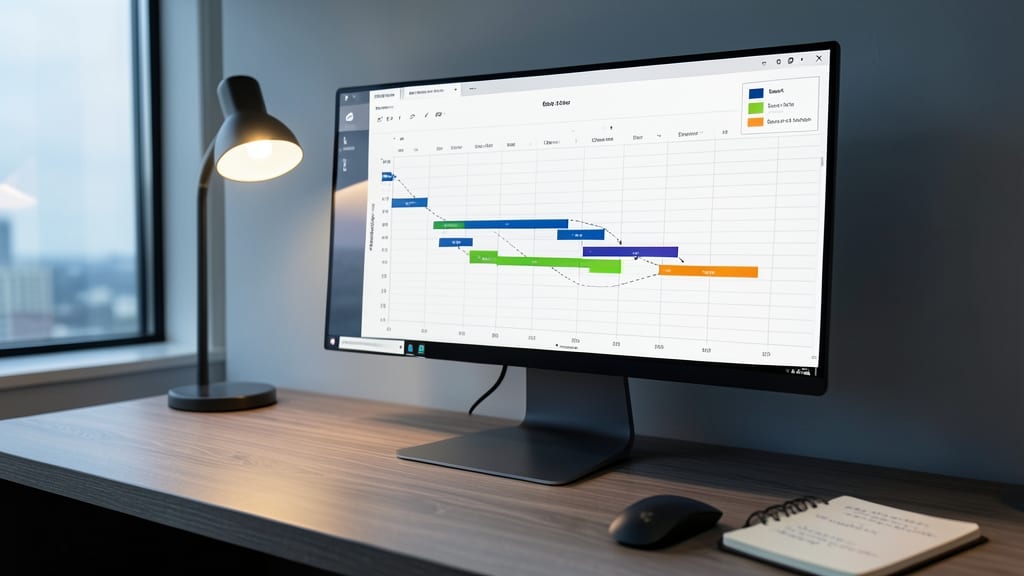
Struggling to keep your team’s projects on track without complex (and expensive) software? A Gantt-style project timeline template in Excel lets you map out deadlines, dependencies, and milestones in one visual chart—no coding required.
This template includes color-coded task bars for easy progress tracking, resource allocation tools to assign team members, and automated date calculations to adjust timelines as priorities shift. The built-in milestone markers highlight key deliverables, while the dependency arrows show how delays in one task ripple across the project. Best of all, it’s fully customizable to fit your workflow.
Perfect for freelancers managing multiple clients, marketing teams launching campaigns, or contractors coordinating subcontractors. Turn chaotic to-do lists into a clear, actionable roadmap—without the learning curve of dedicated project management software. ✨
Sales Pipeline Tracker
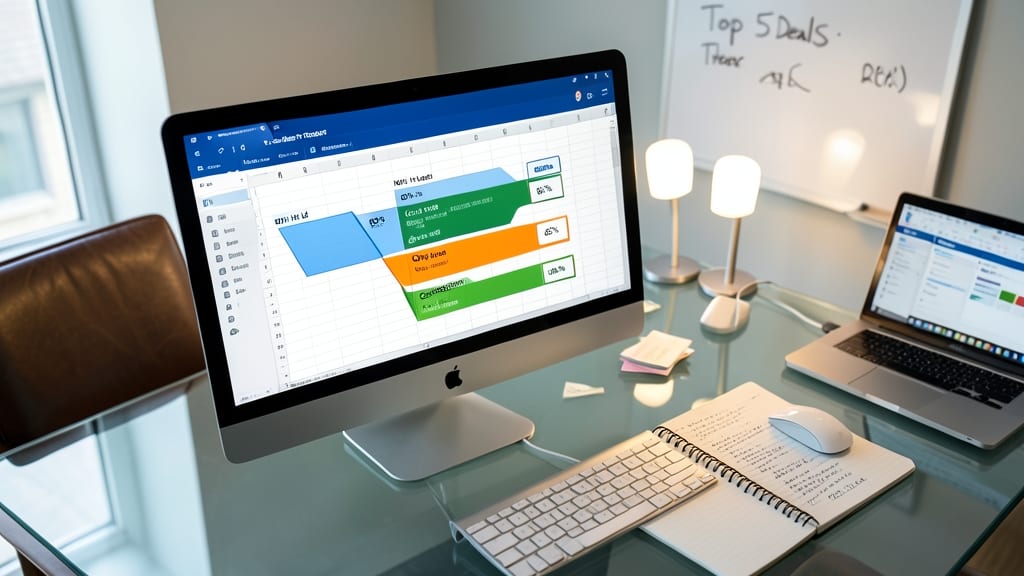
Turn raw leads into closed deals with this Sales Pipeline Tracker, a game-changer for sales teams drowning in spreadsheets. Unlike basic contact lists, this template maps your entire funnel—from initial leads to closed wins—with probability percentages at each stage, so you can prioritize high-value opportunities.
The built-in revenue forecasting feature calculates potential earnings based on deal likelihood, while customizable stages (e.g., "Prospect," "Negotiation," "Closed") adapt to your sales process. Color-coded visuals highlight bottlenecks, and automated calculations update totals in real time—no manual crunching required.
Perfect for solopreneurs or small sales teams, this template integrates seamlessly with CRM tools or stands alone for quick wins. Download it to spot trends, forecast revenue, and close deals faster. ✨
Client Contact Database
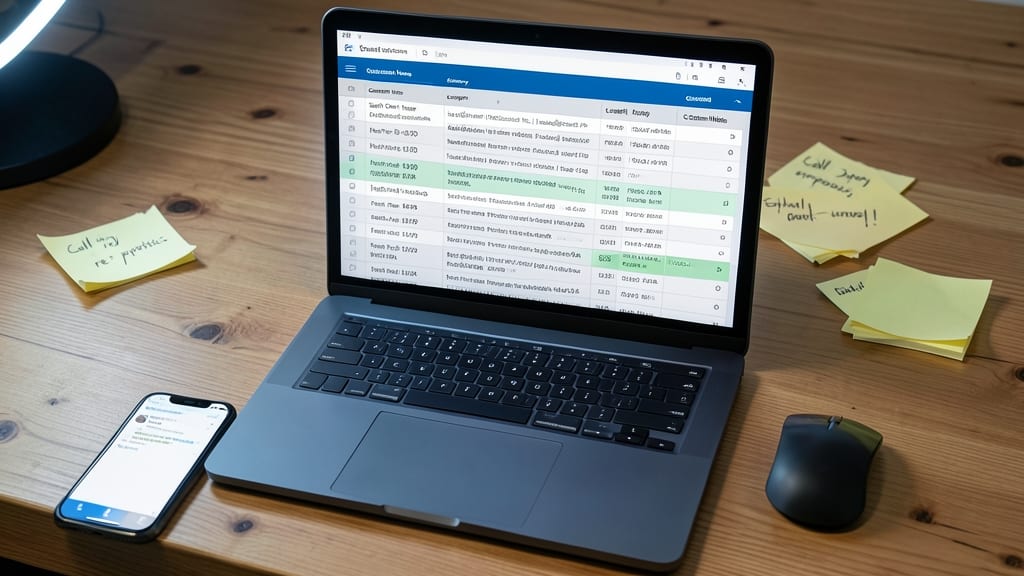
Tired of losing track of client details between calls or emails? A client contact database keeps every interaction, follow-up date, and custom note in one searchable spreadsheet—no more frantic searches through old emails or sticky notes.
This template lets you log customer names, companies, contact info, and interaction history while setting automated reminders for follow-ups. The custom fields let you add industry-specific details (like service types or contract dates), and the built-in search function filters by name, company, or even service type. Protect sensitive data with password protection and share securely with your team.
Perfect for consultants, sales teams, or service providers who need to maintain professional relationships without the chaos. Never miss a follow-up again! ✨
Break-Even Analysis Calculator
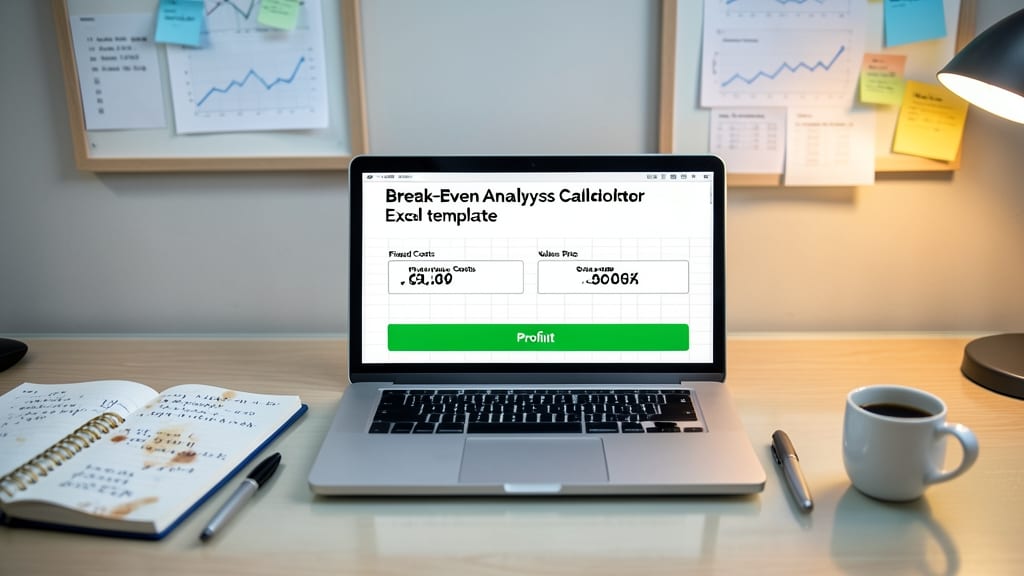
Tired of guessing when your business will finally turn a profit? The Break-Even Analysis Calculator gives you crystal-clear answers by crunching your fixed costs, variable costs, and sales price in seconds. No more spreadsheets full of guesswork—just plug in your numbers and watch the magic happen.
This template doesn’t just stop at basic calculations. It generates a visual break-even chart so you can see exactly when revenue overtakes expenses, plus a sensitivity analysis to test how pricing or cost changes impact your bottom line. Compatible with Excel 2016 and later, it’s ready to use right out of the box.
Perfect for startups, e-commerce sellers, or service-based businesses testing new pricing models or cost structures. Whether you’re launching a product or tweaking your budget, this tool turns uncertainty into actionable insights. ✨
Meeting Agenda and Minutes Template
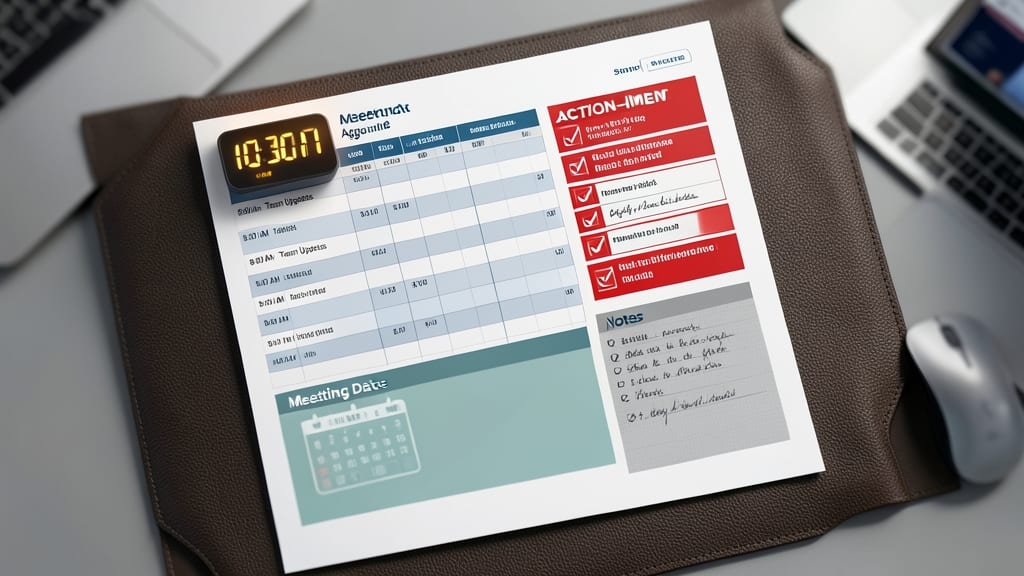
Tired of meetings that end with lost notes and unclear action items? This Meeting Agenda and Minutes Template keeps everyone on track with a time-tracking timer, structured agenda sections, and a dedicated action-item checklist—all in one place.
You’ll find pre-formatted sections for meeting dates, attendees, discussion topics, and assigned tasks, plus a countdown timer to ensure topics stay on schedule. The template even includes a follow-up tracker to ensure nothing slips through the cracks after the meeting ends.
Perfect for team leads, project managers, or solo entrepreneurs hosting regular check-ins. With minimal setup, you’ll transform chaotic meetings into productive, action-driven sessions. ✨
Expense Reimbursement Form
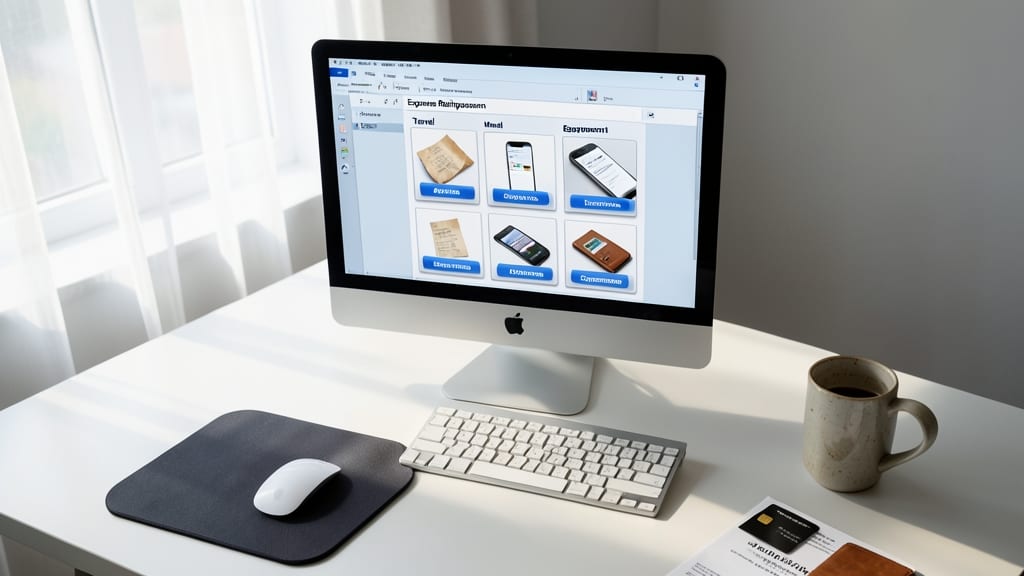
Tired of chasing down receipts and manually calculating reimbursements? This Expense Reimbursement Form template automates the process by categorizing expenses (like travel, meals, or equipment) and even attaching digital receipts via hyperlinks for easy approvals.
The template includes built-in tax deduction calculations (for U.S. standards) and a summary section to reconcile totals. With dropdown menus for expense types and formulas to auto-sum costs, you’ll save hours of paperwork—ideal for remote teams or contractors submitting claims.
Perfect for small businesses with freelancers, contractors, or sales teams on the road. Just plug in details, and let Excel do the rest. ✨