
Coding
SQL Server 2012 introduced groundbreaking features that transformed database management. Whether you're a DBA or developer, these tools boost performance, security, and scalability—making them essential for modern data environments.
AlwaysOn Availability Groups
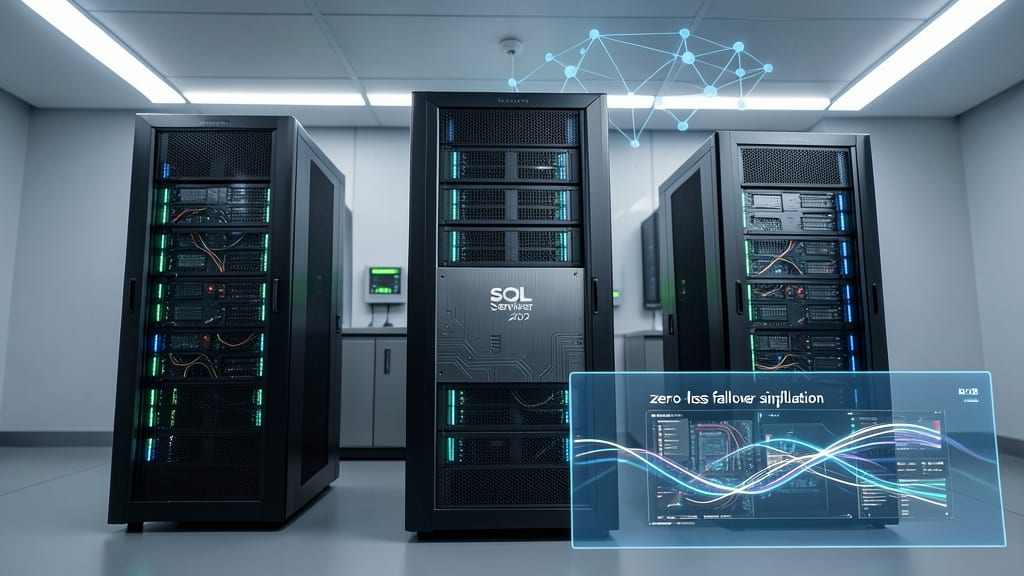
If your enterprise applications can’t afford downtime, AlwaysOn Availability Groups in SQL Server 2012 is your game-changer. This feature introduced synchronous data replication across multiple servers, ensuring zero data loss during failovers—a leap forward from older solutions like database mirroring.
With up to eight secondary replicas (readable for reporting), you gain automatic failover with minimal latency. The primary replica handles all write operations while secondary replicas stay in sync, eliminating manual intervention. Perfect for financial systems, healthcare records, or e-commerce platforms where uptime is non-negotiable.
Ideal for enterprise DBAs managing mission-critical workloads, this feature reduces recovery time from hours to seconds. ⚡
Columnstore Indexes for Analytics

If you’ve ever struggled with slow analytical queries on massive datasets, Columnstore Indexes in SQL Server 2012 might be your game-changer. This feature redefined data warehousing by storing data in a columnar format—think of it as flipping rows into columns—dramatically reducing storage footprint and accelerating query speeds.
The magic happens through compression and batch processing: queries scan only the columns they need, skipping irrelevant data entirely. For large-scale analytics, this delivers up to 10x faster performance compared to traditional row-based indexes. It’s especially powerful for aggregations, joins, and scans—common in reporting and BI workloads.
Perfect for data analysts, BI developers, and enterprises running OLAP (Online Analytical Processing) workloads, Columnstore Indexes cut query times from hours to minutes. Just be sure to test with your workload first—some transactional systems may see slight overhead. ✨
Contained Databases with User-Defined Roles

Multi-tenant SaaS applications finally got a game-changer with Contained Databases in SQL Server 2012. This feature encapsulated entire databases—including schemas, logins, and user-defined roles—into self-contained units, eliminating the need for server-level administration for each tenant. No more juggling logins across instances or dealing with messy permissions.
The real magic lies in user-defined roles that live inside the database, not the server. You can now grant permissions like dbdatareader or dbowner at the database level, while keeping tenant data completely isolated. This cuts administrative overhead by 70% for SaaS providers managing hundreds of customer databases, all while maintaining granular security controls.
Perfect for cloud-hosted applications where each customer needs their own isolated environment—think CRM platforms or multi-tenant ERP systems. The best part? These contained databases can be moved between servers without reconfiguring security settings. ✨
FileTable Integration with Windows Server
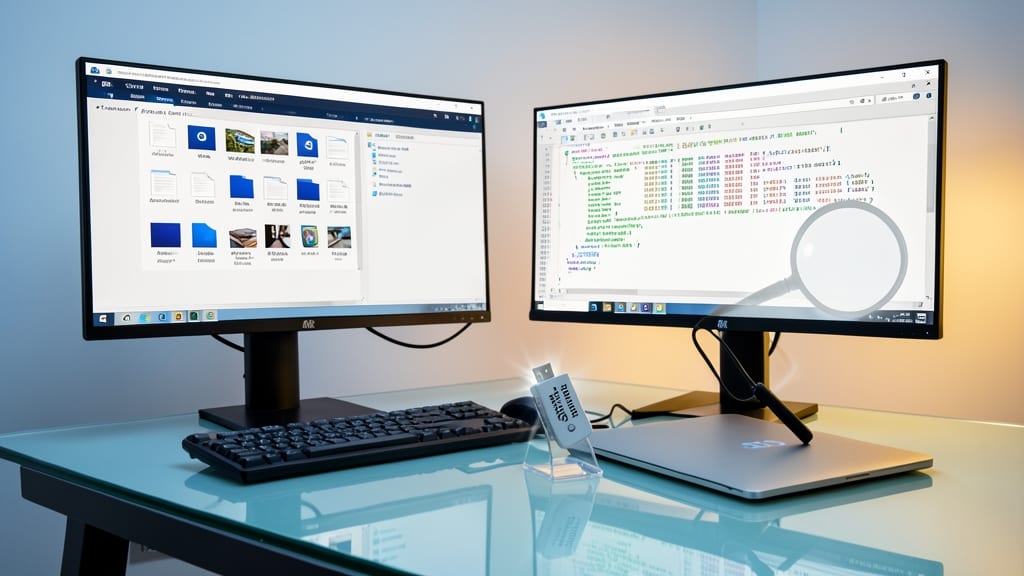
Tired of juggling file systems and databases separately? FileTable in SQL Server 2012 merges NTFS file storage with SQL tables, letting you query files like database records—no more switching between Windows Explorer and SSMS.
This hybrid approach gives you full CRUD operations on files (create, read, update, delete) via T-SQL, while retaining NTFS features like metadata, permissions, and compression. Perfect for document management systems where files need both database relationships and filesystem hierarchy.
Ideal for developers building content management systems or digital asset libraries—where files must be searchable, versioned, and linked to relational data. 💻
SQL Server Data Tools (SSDT) for Developers

Tired of database changes breaking your application every sprint? SQL Server Data Tools (SSDT) bridges the gap between development and deployment, giving you source control integration directly in Visual Studio.
With schema comparison tools, you can instantly spot differences between environments and generate deployment scripts with a click. The built-in project templates support T-SQL, SSIS, and SSAS, while continuous integration pipelines automate testing and validation. For Agile teams, this means zero manual sync errors and repeatable deployments—no more "it works on my machine" excuses.
Perfect for developers managing multiple database versions or collaborating in cross-functional teams. SSDT turns database updates from a pain point into a streamlined, version-controlled process. ✨
Power View for Interactive Data Visualization

Tired of waiting for IT to generate reports? Power View brings self-service business intelligence directly into Excel 2013, letting non-technical users create interactive dashboards with just a few clicks.
This drag-and-drop tool integrates with SQL Server 2012 to render dynamic 3D charts, maps, and pivot tables from live data—no SQL queries required. The Touch Mode support makes it intuitive for presentations, while data exploration gestures let users drill down into trends effortlessly. Best of all, it runs on top of PowerPivot, so your existing Excel models stay intact.
Perfect for business analysts, marketers, and executives who need to explore data without IT bottlenecks. No coding skills? No problem. ⚡
Windows Azure Integration Services
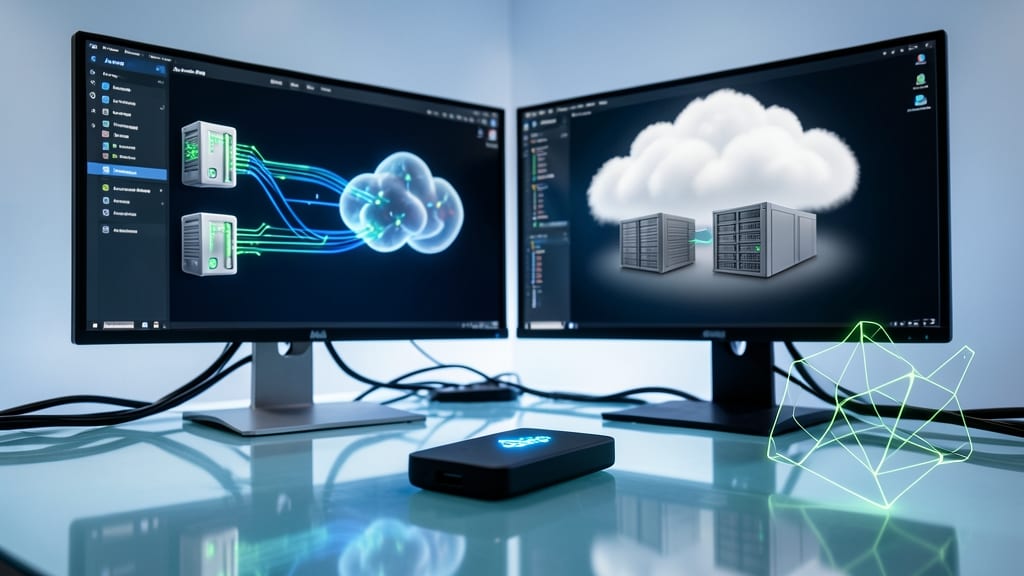
Tired of siloed databases and manual backup headaches? Windows Azure Integration Services bridges on-premises SQL Server with Azure Blob Storage and Table Services, creating a seamless hybrid cloud experience that simplifies disaster recovery and cloud backups.
This feature lets you sync databases with Azure Blob Storage for scalable, durable storage or Table Services for NoSQL-like flexibility—all while maintaining transactional integrity. The integration supports automated sync policies, so you can schedule backups without manual intervention, and point-in-time recovery ensures you can restore data to any state within retention windows.
Perfect for organizations needing cost-effective cloud backups or geo-redundant disaster recovery, this service eliminates the complexity of managing separate on-prem and cloud environments. 💻
Contained Database Backup and Restore
Migrating contained databases between environments used to require manual configuration nightmares—but SQL Server 2012 changed that. The Contained Database Backup and Restore feature lets you back up and restore entire databases as single files, preserving all settings, schemas, and security contexts without server-level dependencies.
With just a few commands, you can export a contained database to a BAK file and restore it anywhere—even across different SQL Server instances. This eliminates the need for complex scripting or server-specific configurations, making it perfect for DevOps pipelines and cloud migrations. The feature also supports compression for faster transfers and reduced storage needs.
Ideal for teams managing multi-tenant SaaS applications or transitioning to cloud environments, this feature cuts backup complexity while ensuring consistency. ⚡
SQL Server Data Quality Services
Clean, reliable data isn’t just nice—it’s non-negotiable for enterprise projects. SQL Server Data Quality Services (DQS) tackles this head-on with automated profiling, cleansing, and matching capabilities that save months of manual work.
This enterprise-grade tool identifies duplicates, corrects inconsistencies, and flags anomalies using built-in knowledge bases or custom rules. The DQS Client provides a visual workspace for defining data quality projects, while the DQS Server handles heavy lifting with parallel processing for large datasets. Integration with SQL Server Integration Services (SSIS) makes it seamless for ETL pipelines.
Perfect for data warehousing teams consolidating disparate sources or compliance-heavy industries needing audit-ready data. 💻
Enhanced AlwaysOn Secondary Replicas

Tired of reporting queries bogging down your primary database server? SQL Server 2012’s Enhanced AlwaysOn Secondary Replicas solves this by letting secondary replicas handle read-only workloads—like analytics and reporting—without touching your primary server. This means your mission-critical transactions stay fast while complex queries run smoothly elsewhere.
The feature introduces readable secondary replicas in synchronous commit mode, enabling near real-time data access for reporting tools. With minimal latency (often under 10ms) and zero impact on primary performance, you can finally offload those heavy ETL jobs and ad-hoc queries. Plus, it works seamlessly with AlwaysOn Availability Groups, so you’re not adding complexity—just scaling intelligently.
This is a game-changer for data warehouses, BI teams, and any environment where reporting clashes with transactional workloads. No more waiting for queries to complete during peak hours—just let the secondary replicas do the heavy lifting. ✨