
Tip & Trick
Remote work offers flexibility but exposes you to cyber threats like phishing, malware, and data breaches. These 10 security best practices—backed by IT experts—will fortify your digital workspace and keep your sensitive information locked down before attacks even start.
Multi-Factor Authentication for Every Account
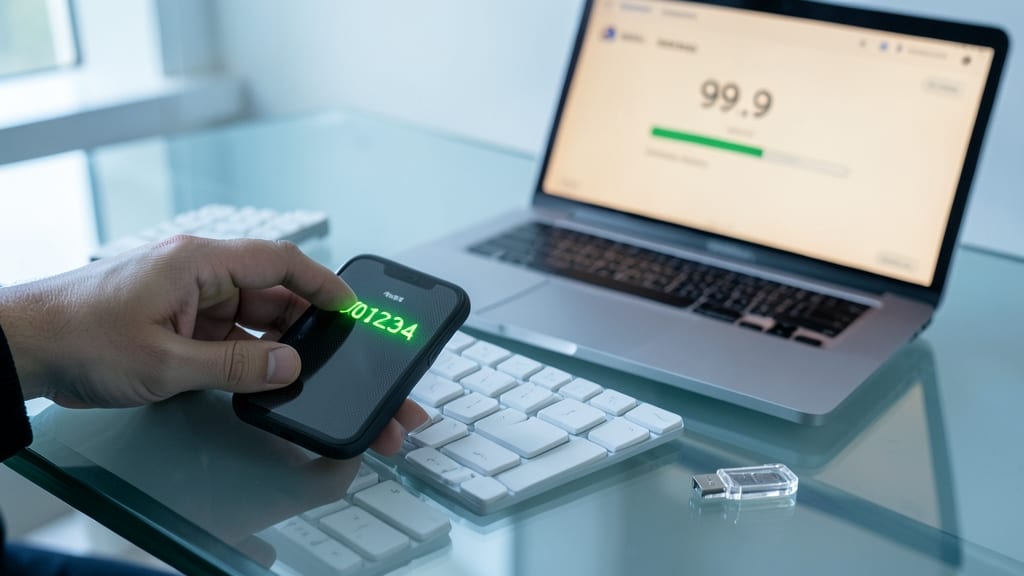
Credential theft is the #1 way hackers break into accounts—and multi-factor authentication (MFA) blocks 99.9% of automated attacks with just a few taps. No tech degree required: modern MFA is designed for simplicity, not complexity.
Most platforms now support time-based one-time passwords (TOTP) via apps like Google Authenticator or Authy, or biometric verification (fingerprint/face ID) on smartphones. Even SMS-based codes are better than nothing, though hardware keys like YubiKey offer the strongest protection for high-risk accounts. Setup takes less than 5 minutes per account, and many services (like Microsoft 365 or Google Workspace) enforce it company-wide.
This is the single most critical step for freelancers, remote employees, and even casual users—especially if you reuse passwords. Start with your email, banking, and work accounts, then roll it out everywhere. 💻
Virtual Private Network on Public Wi-Fi
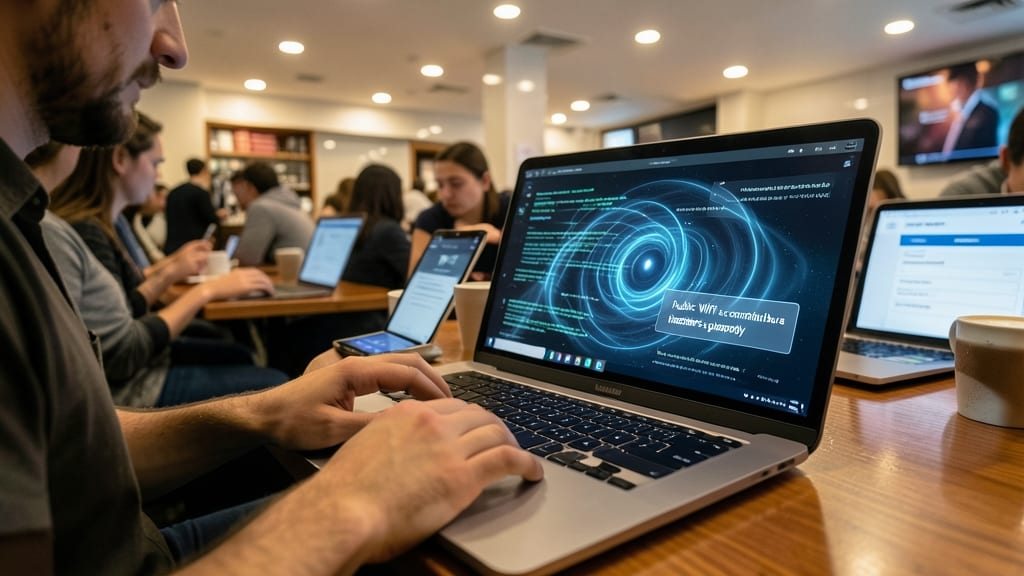
Public Wi-Fi is convenient but a hacker’s playground—your coffee shop connection could expose emails, banking details, and work files in seconds. A VPN (Virtual Private Network) acts as an encrypted tunnel, masking your online activity so even if someone intercepts your data, they’ll only see gibberish.
Top-tier VPNs like NordVPN or ExpressVPN offer 256-bit AES encryption, no-log policies, and servers optimized for speed—critical for remote work. They block DNS leaks and malware, while features like split tunneling let you route only work traffic through the VPN, keeping local tasks fast. Most provide apps for Windows, macOS, iOS, and Android with a single-click setup.
This is non-negotiable for freelancers, consultants, and anyone handling sensitive data on the go. A $5/month plan is cheaper than a single data breach—so treat it like your digital seatbelt. 💻
Password Manager with Secure Sharing
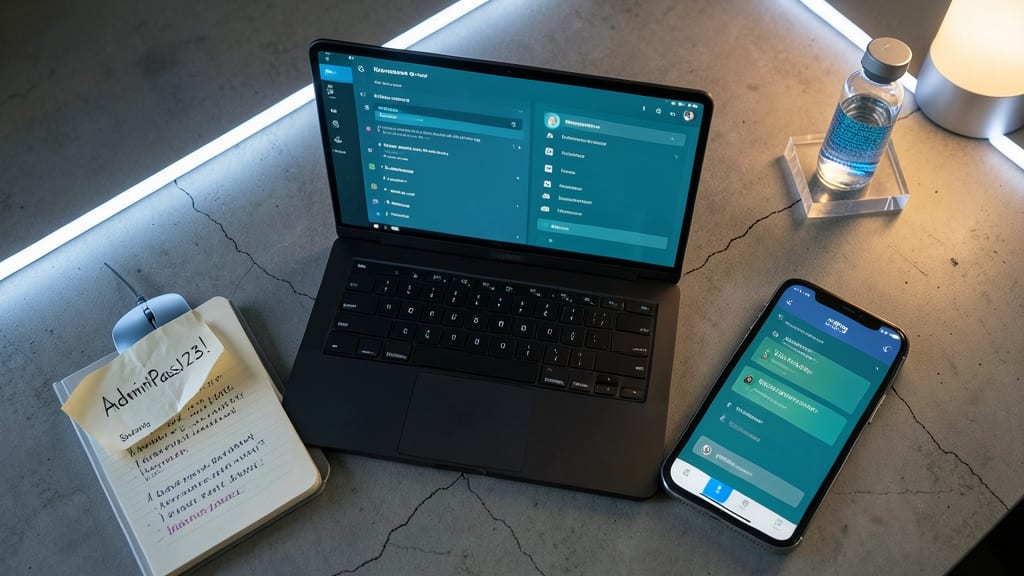
Tired of reusing the same password across accounts? A password manager with secure sharing eliminates weak credentials while letting teams collaborate safely—no more sticky notes or shared spreadsheets.
Tools like Bitwarden or 1Password use 256-bit AES encryption to lock your vaults, while their team-sharing features let you grant temporary access to passwords without exposing the master key. Features like password audits flag reused or weak credentials, and emergency access ensures someone can log in if you’re out of office. Most offer cross-platform sync and biometric unlocks for convenience.
Perfect for remote teams, freelancers with clients, or anyone juggling multiple logins—this turns security from a hassle into a force multiplier. 💡
Endpoint Detection and Response Software
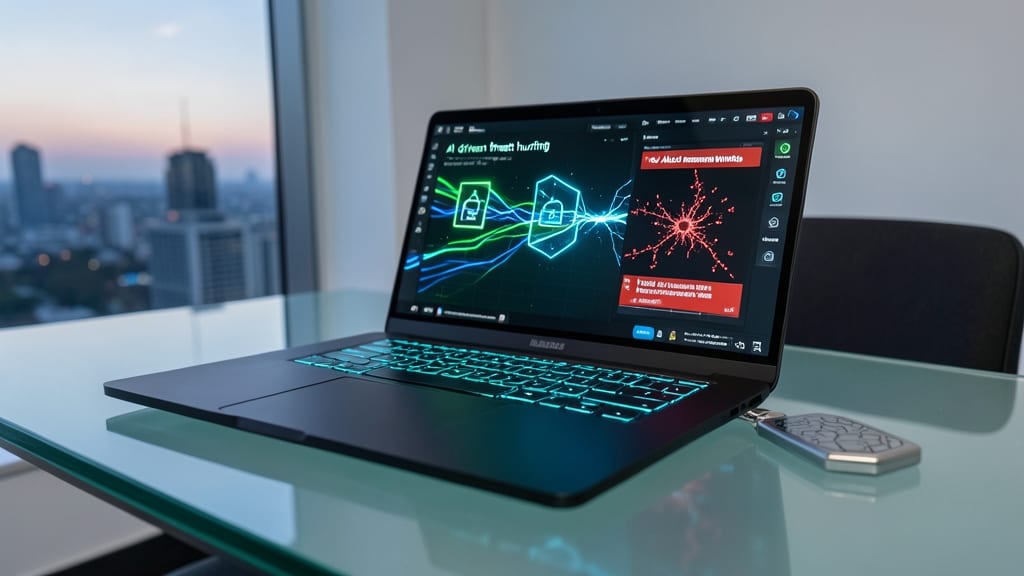
What if your device could stop ransomware before it locks your files—without requiring a cybersecurity degree? Endpoint Detection and Response (EDR) software does exactly that, using AI-driven threat hunting to detect and neutralize advanced malware in real time, even if it bypasses traditional antivirus.
Tools like CrowdStrike Falcon or SentinelOne monitor fileless attacks, zero-day exploits, and lateral movement across your device, blocking threats before they encrypt your data. They offer automated response actions (like isolating infected processes) and detailed forensic reports to help you understand how an attack happened. Most solutions integrate with Microsoft Defender or Cisco Umbrella for layered security, and many provide cloud-based management so you can monitor devices remotely.
This is a must-have for freelancers handling client data, small teams with limited IT support, or anyone who can’t afford downtime from a ransomware attack. 💪
Secure Cloud Storage with End-to-End Encryption
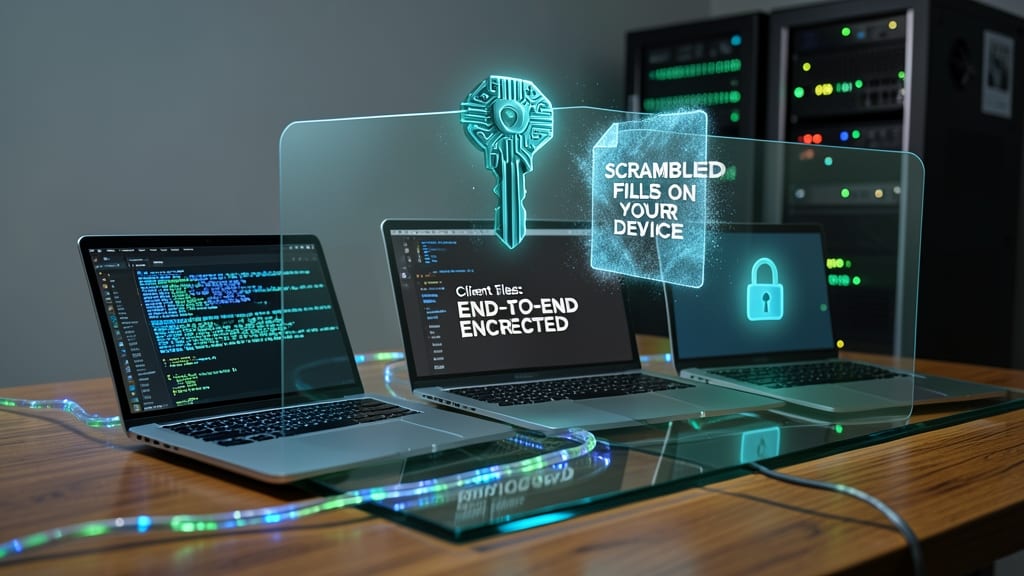
Your client files, creative projects, or financial records deserve more than basic cloud storage—end-to-end encryption ensures only you can access them, even if a breach occurs. Unlike traditional cloud services that encrypt data at rest or in transit, this level of security scrambles files on your device before upload and only decrypts them on your approved devices.
Services like Cryptomator (client-side encryption) or Proton Drive (zero-knowledge storage) use AES-256 encryption to lock files with a password only you control. Features like selective file encryption let you protect only sensitive documents, while client-side key management means not even the provider can decrypt your data. For teams, tools like Tresorit add granular access controls and audit logs to track who views or downloads files.
This is a game-changer for freelance designers sending client contracts, consultants sharing financial models, or finance pros storing tax documents—where a single leak could mean lost business or legal trouble. 🔧
Regular Software Updates and Patching
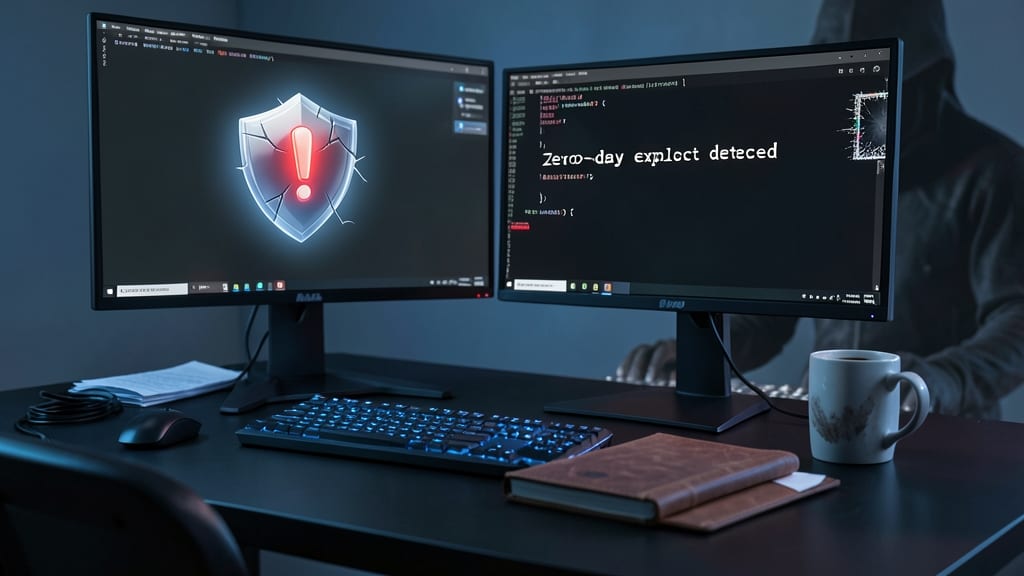
Hackers don’t just target weak passwords—they exploit unpatched software to sneak in undetected. Regular updates and patches are your first line of defense against zero-day exploits, the kind of vulnerabilities that let attackers bypass all other security measures before developers even know they exist.
Most modern operating systems (Windows, macOS, Linux) and apps now offer automated patching, meaning updates install silently in the background without manual effort. Tools like Windows Update, Apple’s Software Update, or Patch Management solutions (such as ManageEngine or SolarWinds) can even enforce updates across entire teams. For non-tech users, enabling auto-update for browsers (Chrome, Firefox) and critical apps (Zoom, Slack) closes 60% of common attack vectors instantly.
This is the easiest win for remote workers—especially those in healthcare, finance, or legal fields where unpatched software can lead to compliance violations. Set it, forget it, and let your devices stay battle-tested. ⚡
Secure Remote Desktop Solutions
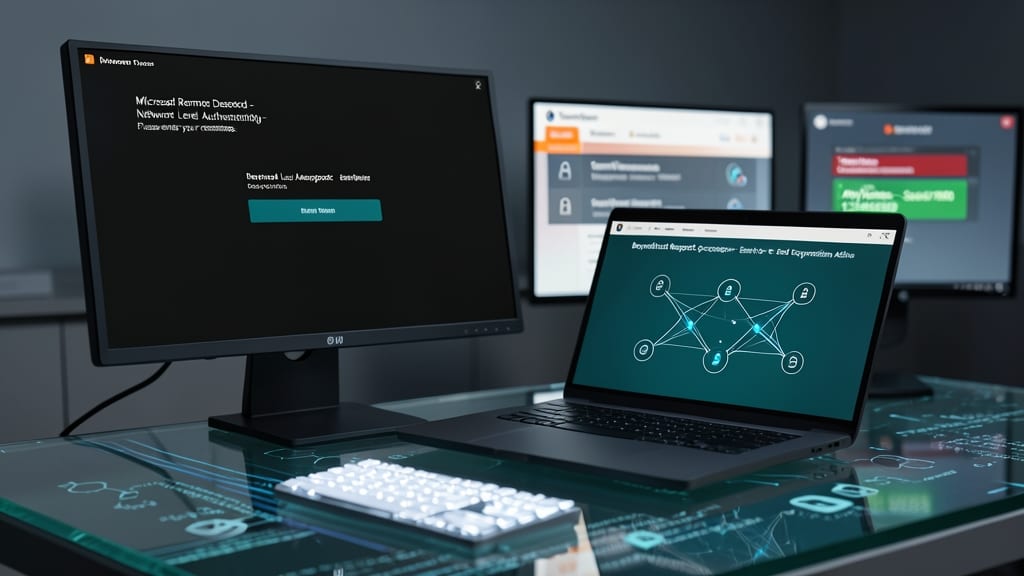
Tired of risky remote access tools like TeamViewer or AnyDesk exposing your network to vulnerabilities? Zero-trust remote desktop solutions like Microsoft Remote Desktop (with Network Level Authentication) or BeyondTrust Remote Support replace outdated protocols with end-to-end encryption and identity verification before any session begins.
These tools enforce multi-factor authentication (MFA) for every connection, log all sessions for auditing, and restrict access to only approved devices. Features like just-in-time access mean temporary credentials expire automatically, while role-based permissions ensure support teams can’t accidentally modify critical files. Most integrate with Active Directory or Okta for seamless IT management.
Perfect for IT admins troubleshooting employee devices or managers supporting remote teams—this eliminates the guesswork of traditional remote access while keeping corporate data locked down. ✨
Phishing Simulation Training for Teams
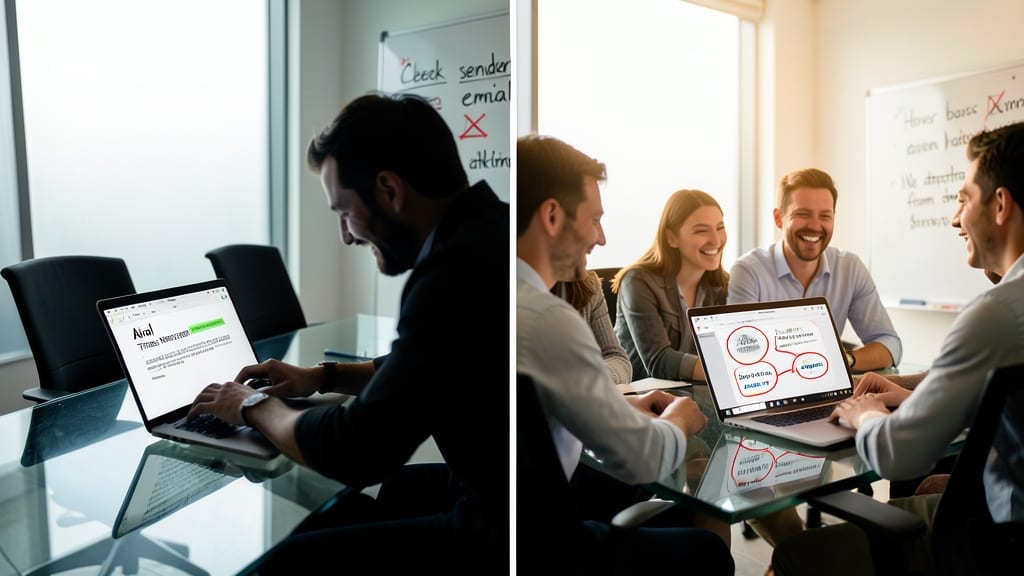
Your team’s biggest security weakness might not be outdated software—it’s the human element. Phishing simulation training transforms employees from passive targets into proactive defenders by exposing them to realistic scams, then teaching them to spot the subtle cues that give away fake emails, urgent payment requests, and malicious links.
Platforms like KnowBe4 or PhishMe deliver customizable, scenario-based tests that mimic real-world attacks, from CEO impersonations to fake invoice scams. After each simulation, employees receive personalized feedback on what they missed, along with interactive training modules to reinforce best practices. Studies show these programs can cut phishing click-rates by 70% in just 3 months, making them one of the most cost-effective security investments for remote teams.
Ideal for SMBs, remote-first companies, or any team handling sensitive data, this approach turns security awareness from a boring compliance checkbox into an engaging, ongoing skill—without requiring IT expertise. 🌟
Hardware-Level Security for Laptops
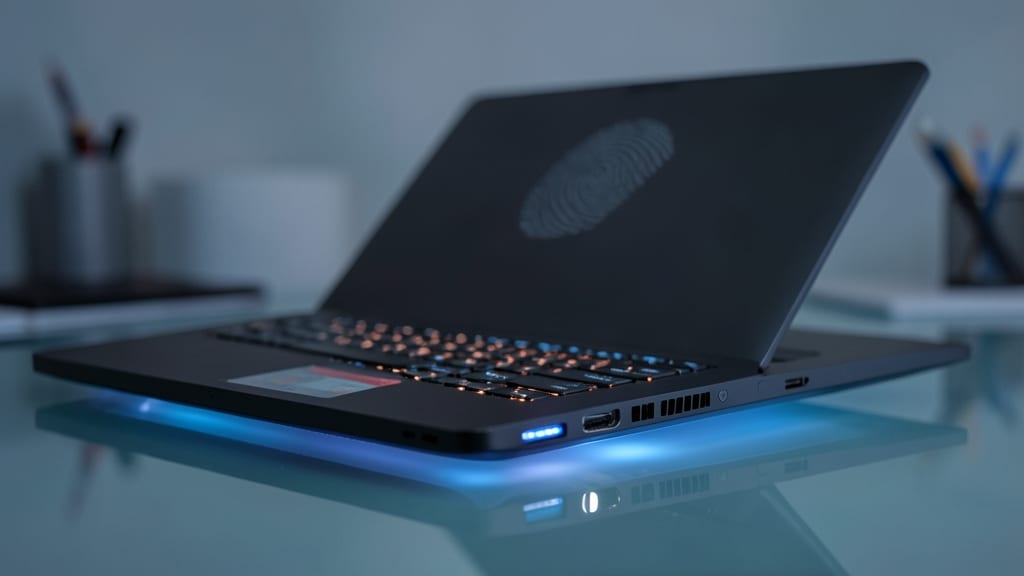
Your laptop might be locked with a password, but if it’s stolen, that’s often the only defense you’ve got. Hardware-level security like Windows Hello biometrics (fingerprint/face ID) and Trusted Platform Module (TPM) 2.0 chips add layers of protection that software alone can’t match—even if your device falls into the wrong hands.
Modern laptops with TPM 2.0 (standard on most Windows Pro and macOS Silicon devices) create a hardware-rooted security key that encrypts your drive and blocks unauthorized access at the firmware level. Pair that with Windows Hello or Touch ID, and you eliminate password theft risks entirely—no more sticky notes or weak PINs. Even if a thief bypasses your login screen, Secure Boot ensures only verified software runs, stopping malware before it loads.
This setup is a game-changer for executives, contractors, or anyone handling proprietary data—because unlike VPNs or MFA, these protections work even when your device is offline. Just ensure your laptop meets FIPS 140-2 Level 2 standards for enterprise-grade security. ✨
Incident Response Plan Documentation
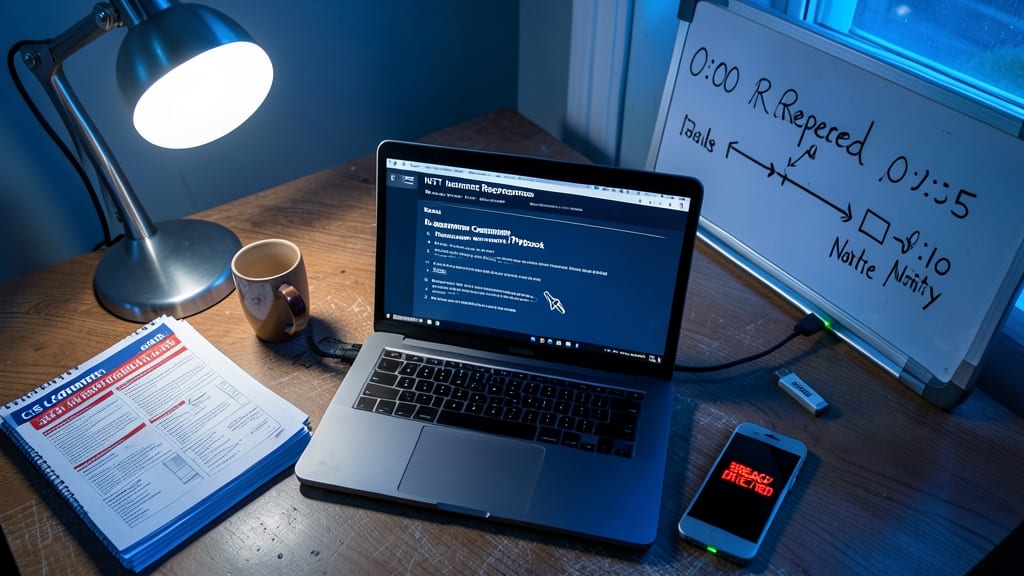
When a breach happens, every minute counts—yet most small businesses and freelancers scramble without a plan. Pre-built incident response templates from platforms like CIS Controls or NIST give you step-by-step playbooks for ransomware, phishing, or data leaks, tailored to non-experts. These include containment checklists, communication scripts for clients, and evidence preservation—all without needing a cybersecurity degree.
Tools like SentinelOne’s Response Guide or Microsoft’s Security Incident Response Plan offer customizable templates that integrate with your existing security stack (e.g., EDR alerts or cloud storage logs). They even include legal disclaimers to protect you during investigations. The key is documenting your process beforehand—so when panic hits, you’re not guessing whether to unplug devices or call IT.
This is your insurance policy for chaos: ideal for small agencies, freelancers with client data, or remote teams who can’t afford legal fees or downtime. 💡